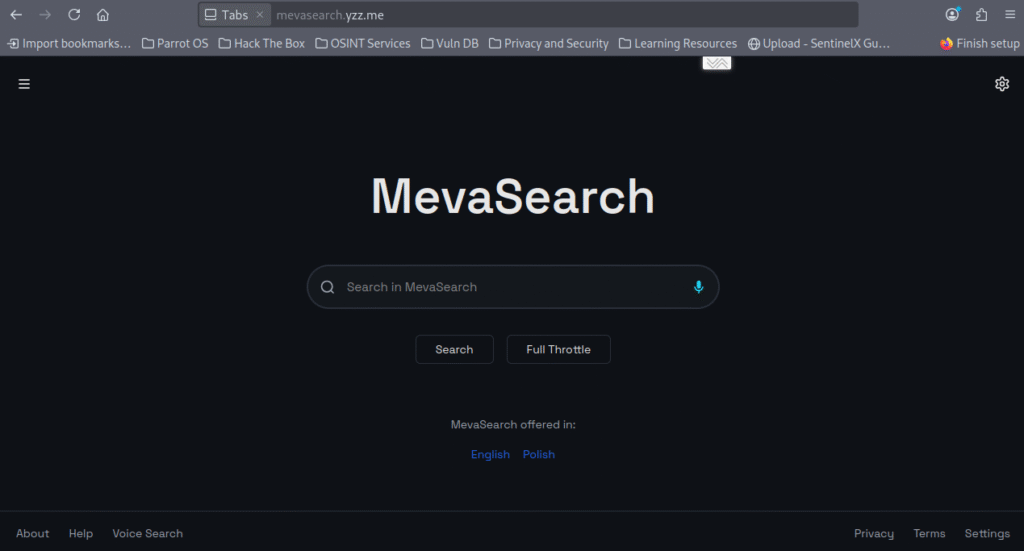

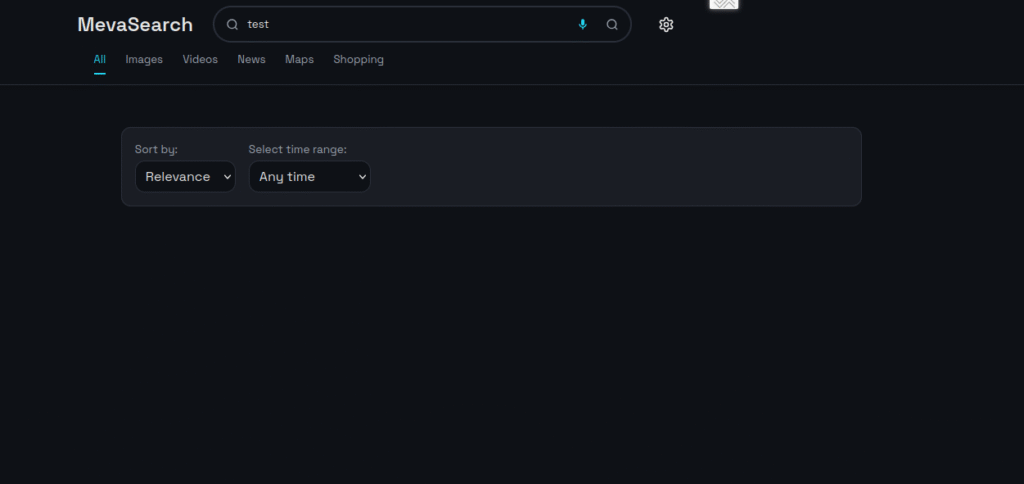
The Polish search engine MevaSearch is warning its users about a new phishing attack. Cybercriminals have launched fake websites impersonating MevaSearch.

The counterfeit sites look almost identical to the original, but instead of performing searches, they carry out malicious actions — for example, attempting to steal personal data such as credit card numbers or installing malware on the user’s device.
Warning: What Not to Do
- Do not download any
.apkor.exefiles from unknown sources. The official MevaSearch app is available only in the Taplora Space store. - Do not share personal information such as your national ID number (PESEL), passwords, or credit card numbers.
- Do not authorize payments on websites outside the domain
mevasearch.org. - If you have entered any data or downloaded a file, follow the steps in the section “If You’ve Been Exposed” immediately.
How to Recognize a Fake Website
The official MevaSearch website operates only at mevasearch.org.
Fake websites often contain spelling mistakes, low-quality graphics, and misleading messages such as “activation of premium version required” — all aimed at stealing user data.
If You’ve Been Exposed to a Fake Site
- Close the site and clear your browser cache and cookies.
- Do not open any downloaded files. Scan them with antivirus software or check them via VirusTotal.
- If you entered card details — contact your bank immediately and report suspected fraud.
- If you shared your national ID number or password — change your passwords across all services where they were used.
- Run a full antivirus scan on your device.
Stay Safe
Always double-check website addresses and use official sources only. MevaSearch continues to work on detecting and blocking fake sites to protect its users.
